Pigment
How it's made
From a site people love to a system your agent follows.
Every Pigment system goes through the same pipeline before it is published, and again with every update. A person approves the analysis and the result; agents do the rest, and every step leaves its evidence behind.
Study a site people love
A harness surveys a reference site — up to 150 pages — until it stops finding anything new, then captures in depth the pages that together cover every feature: screenshots, styles, motion, interactions and illustrations.
Measure the language, leave the brand
An analyst agent turns the captures into measured values — colors, type, spacing, shape, motion — and the signature elements that make the site look like itself, each with a recipe. Logos, names, copy, characters and proprietary fonts never carry over: the result is a derived language, not a clone.
Write it as rules
The spec, agent.md, is written for coding agents: ten defining rules, a Never list, exact tokens, every component state, and how to apply the system to any kind of screen — dashboards, forms, tables, empty and error states — for products it has never seen.
Test it until it holds
A coding agent applies each candidate to four plain test apps, three times, and to two apps it was never tuned on. The apps must build and pass their tests, and a review scores how close the results come to the reference's quality. Every fix is written as a general rule — never for the test apps — and the candidate is tried again until it passes.
Show it on real products
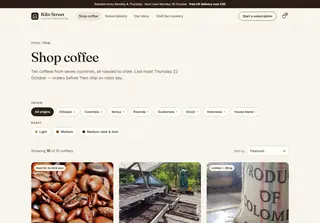
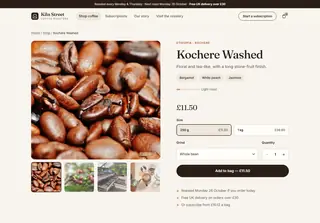
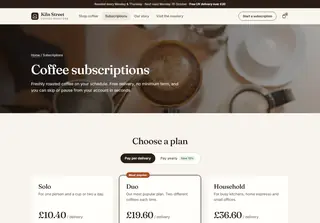
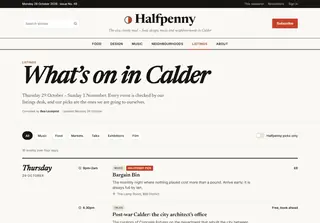
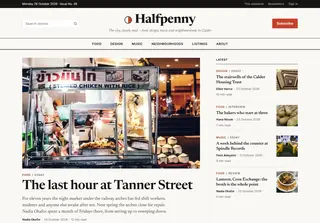
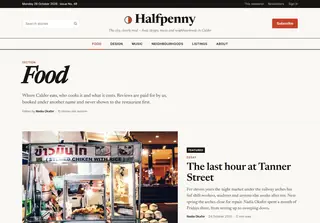
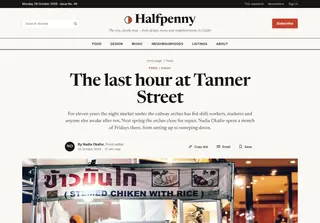
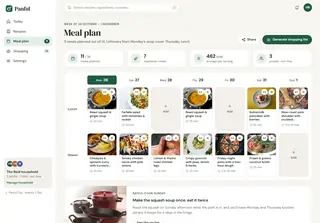
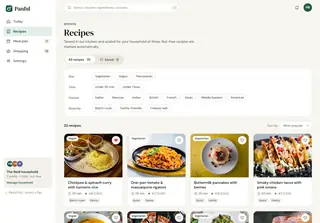
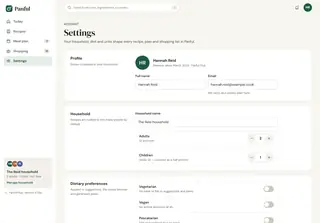
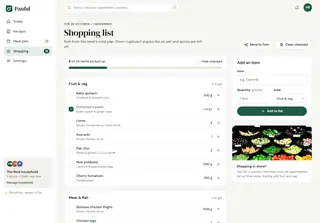
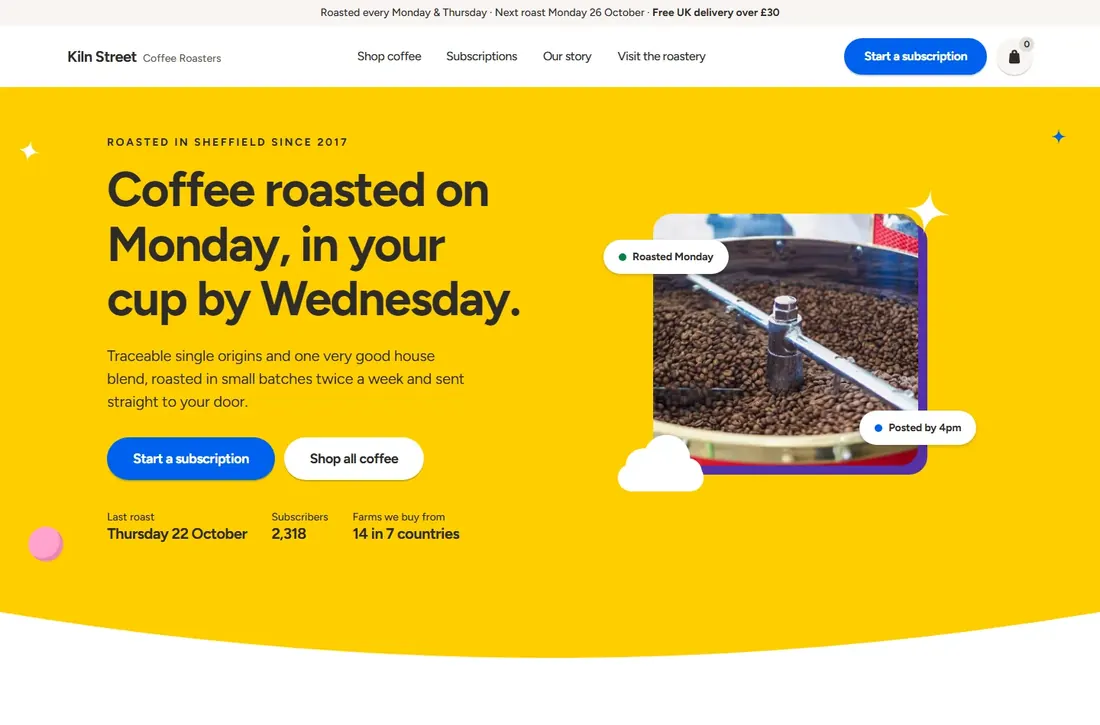
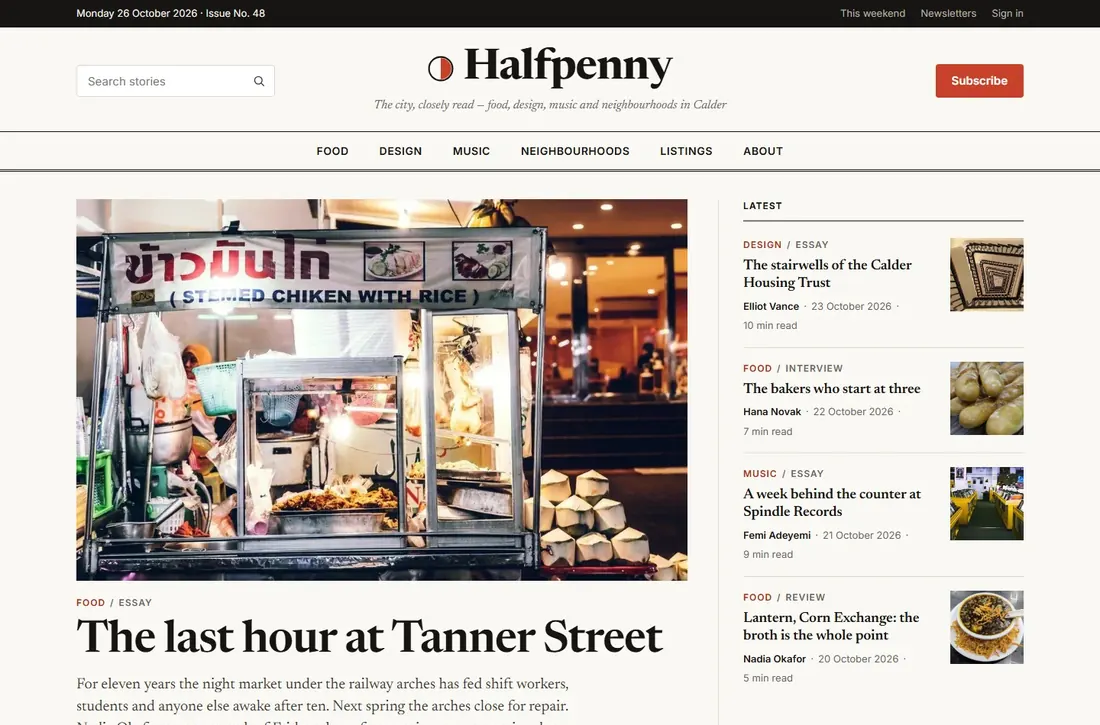
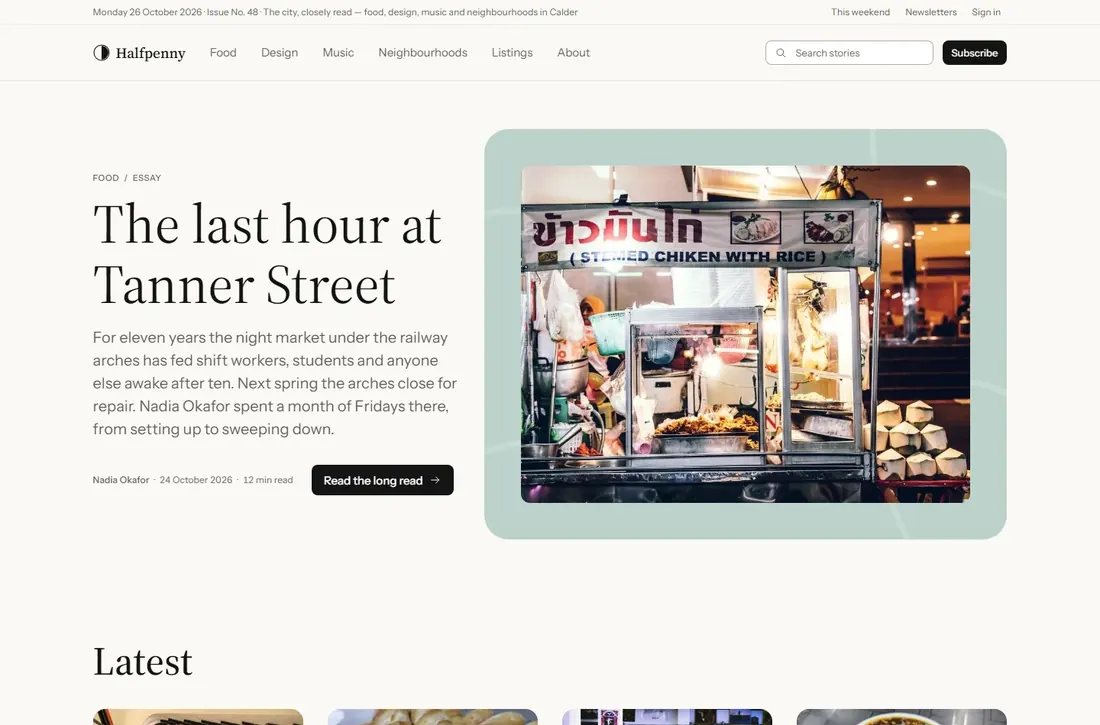
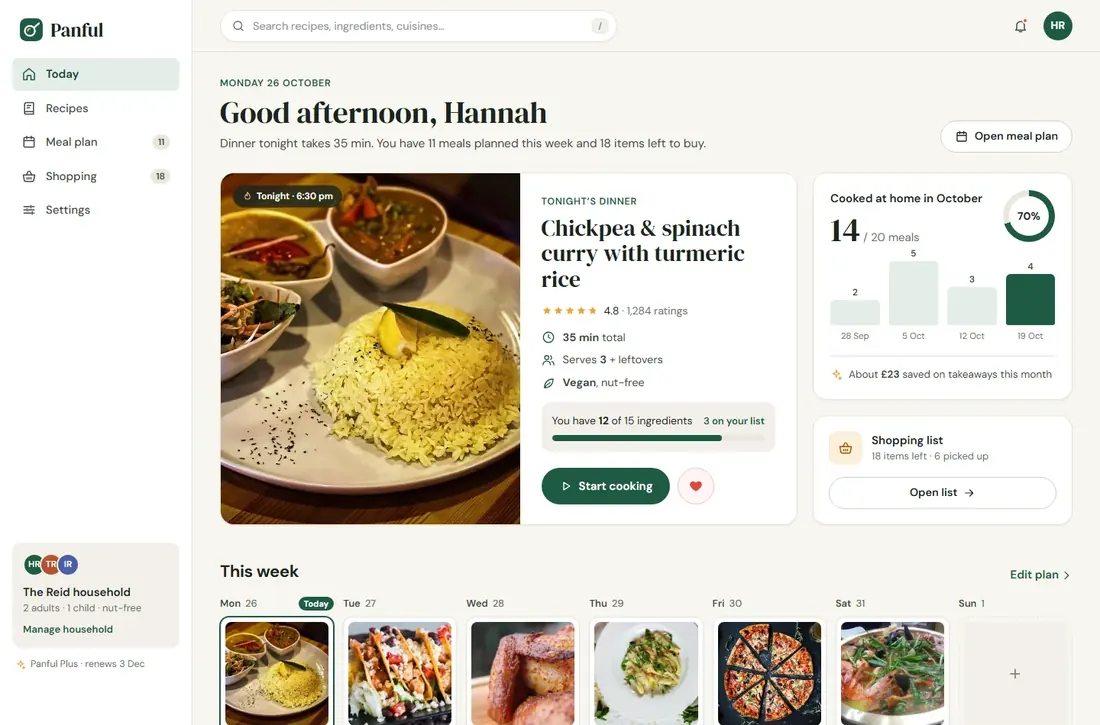
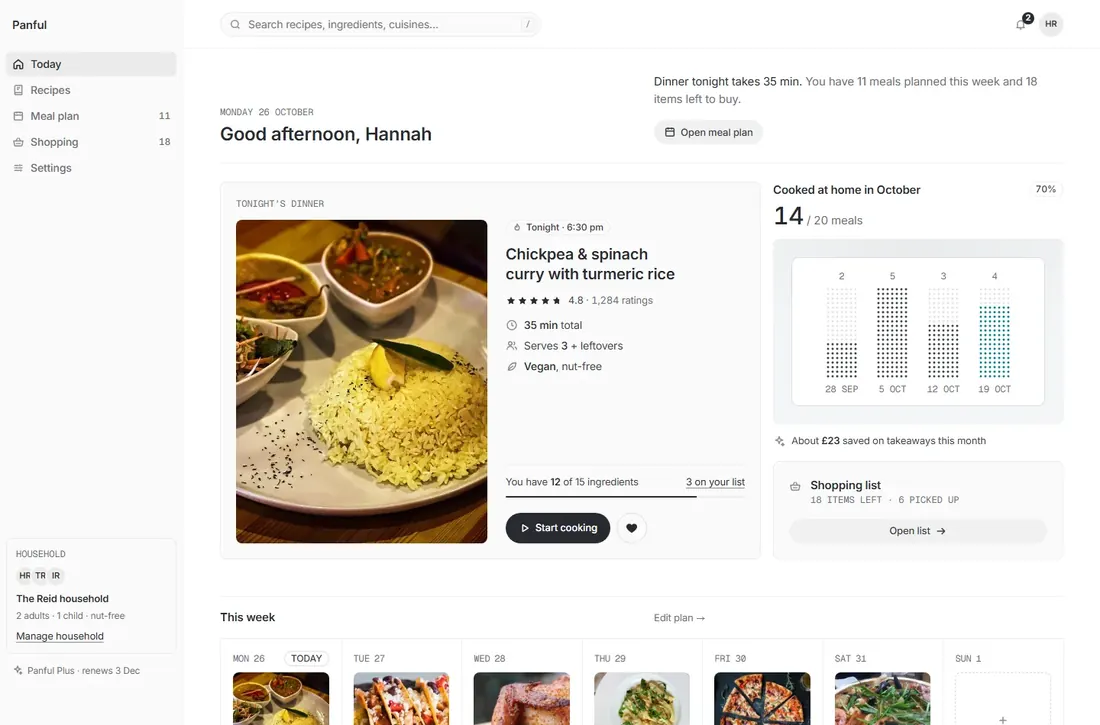
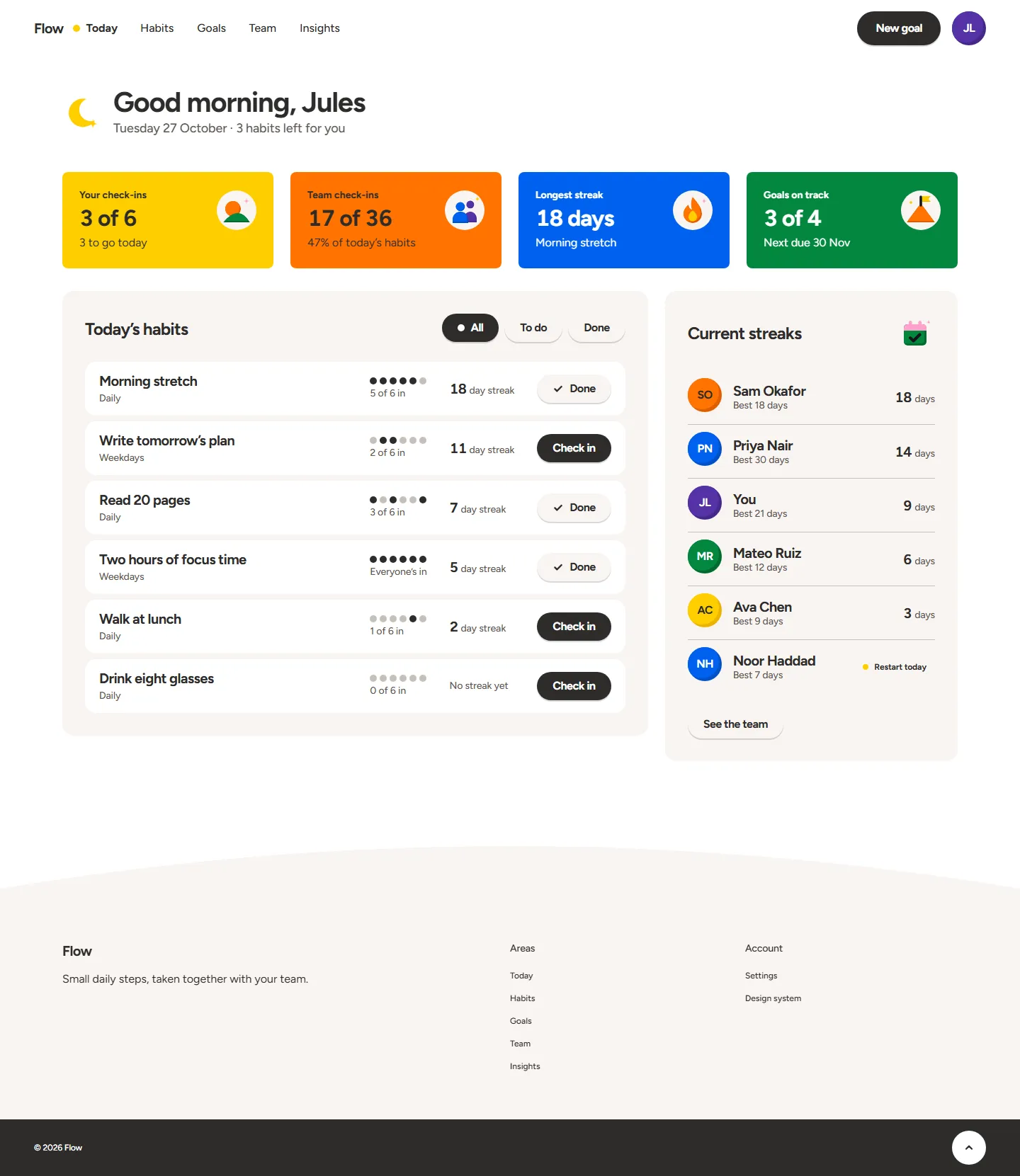
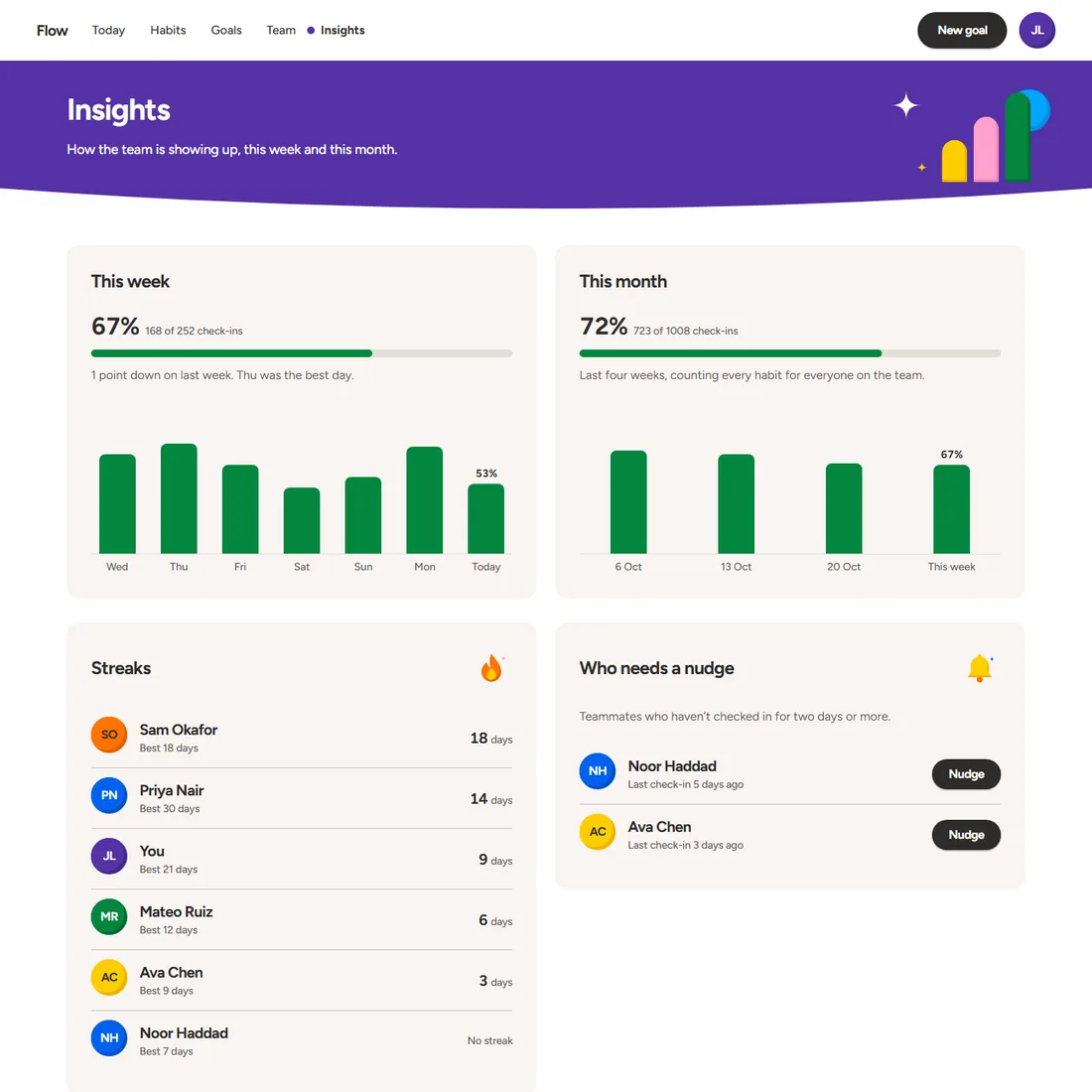
Once published, the system is applied by an agent to three realistic products with their own design and photos — a coffee shop, a magazine, a recipe app. That is what you see on every system page: every page, before and after, unedited.
Kept in your project
When your agent sets a system up — at the start of a project or on one that already works — the whole spec stays in your project as design-system/agent.md, and AGENTS.md and CLAUDE.md point at it. Any later session, with any agent, builds new screens from it. We test that too: a fresh session with no memory of the setup builds screens from what the project kept.